CLE Reporting That's Always Ready for Compliance
Real-time dashboards, exportable reports, and complete audit trails. When a state bar calls, you'll have the answers.
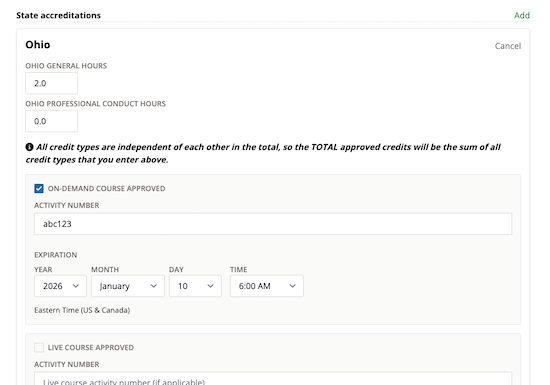
Attorneys from leading firms have completed CLE programs on CLE Hero






Real-Time Dashboards
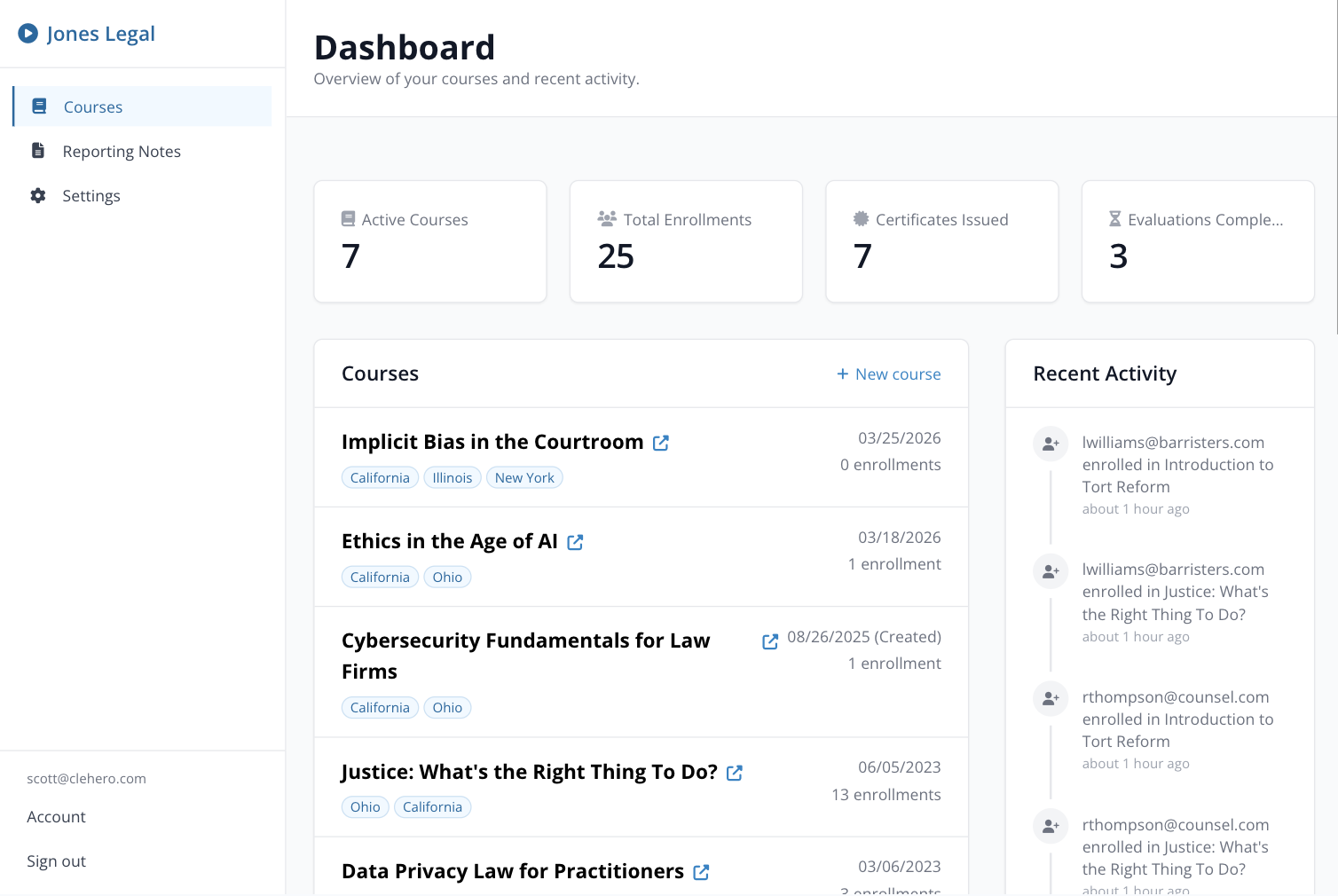
See enrollment counts, completion rates, and certificate delivery status at a glance. No waiting for batch reports — your data is always current.
Your provider dashboard gives you an instant overview of every course: how many attorneys have enrolled, how many have completed, and how many certificates have been delivered.
- Live enrollment and completion counts
- Certificate delivery status
- Course-level detail views
One-Click Exports
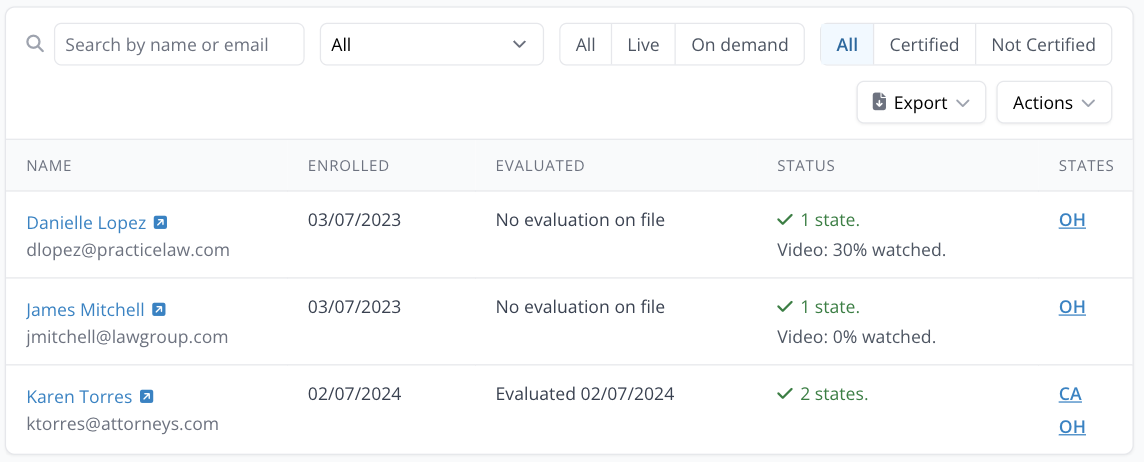
Export enrollment data, attendance records, and evaluation results to CSV. Formatted and ready for state bar reporting requirements.
When a state bar requests your records, you don't need to scramble. Export a complete report with all the data they need in one click.
- CSV export for any course
- Attendance and completion records
- State bar-ready formatting
Evaluation Insights
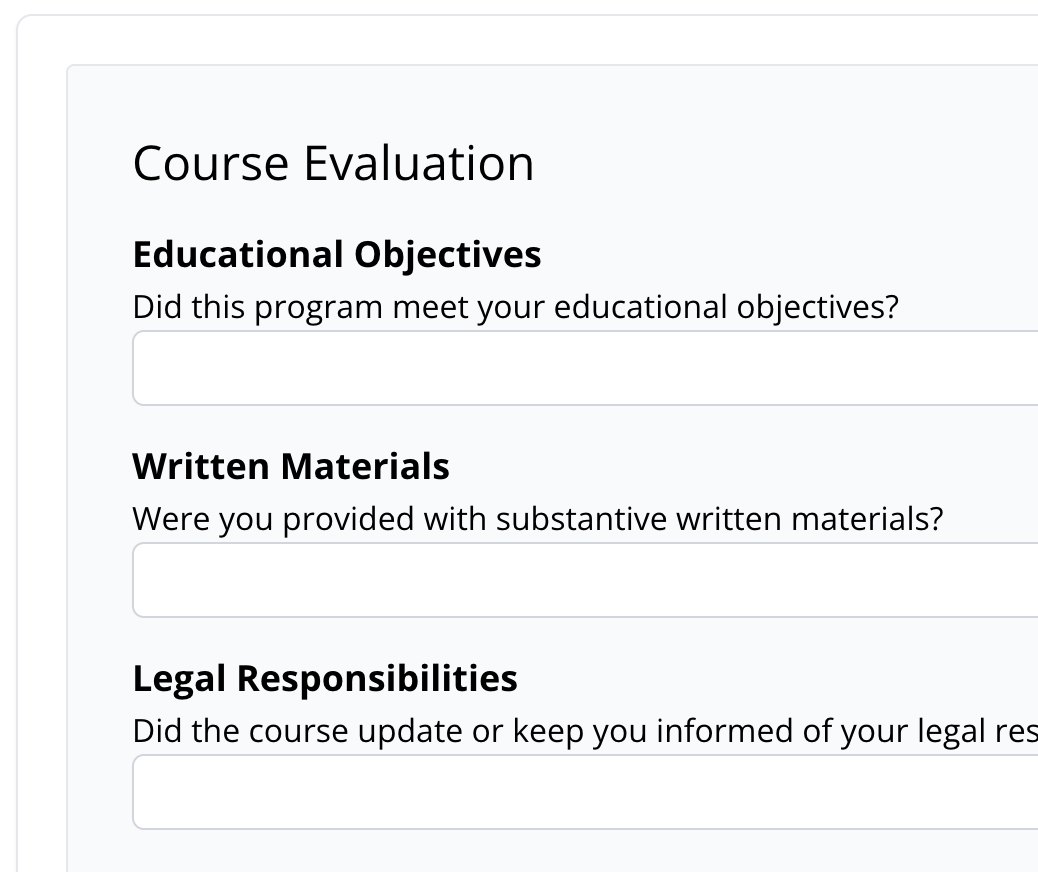
Course evaluations are collected automatically. Review aggregated results to understand program effectiveness and meet sponsor reporting obligations.
See how attorneys rated your courses, what feedback they provided, and identify trends across your programs.
- Aggregated evaluation results
- Exportable evaluation data
- Meet sponsor reporting requirements
How It Works
Your data is always current and always exportable.
Automatic Tracking
Your courses automatically track attendance, completions, and evaluations as they happen.
Real-Time Dashboard
View real-time data on your provider dashboard — enrollment, completion, and certificate status.
Export When Needed
Export reports for state bar compliance or internal review with one click.
Frequently Asked Questions
Common questions about CLE reporting and tracking.
- What data is tracked for each enrollment?
- CLE Hero tracks enrollment date, attendance verification (including attendance code submissions), video watch progress for on-demand courses, evaluation completion, certificate generation, and certificate delivery status.
- Can I export reports for a specific state?
- Yes. You can filter enrollment and completion data by state accreditation when exporting. This makes it easy to generate reports for a specific state bar's requirements.
- How are course evaluations collected and reported?
- Evaluations are collected automatically as part of the course completion workflow. Results are aggregated in your dashboard and can be exported to CSV for sponsor reporting.
- Does CLE Hero handle sponsor reporting to state bars?
- CLE Hero provides all the data you need for sponsor reporting in exportable formats. The actual submission to state bars varies by jurisdiction — CLE Hero gives you the data; you handle the submission.
- Can I see historical data across all my courses?
- Yes. Your provider dashboard shows data across all your courses. You can view enrollment counts, completion rates, and certificate delivery status for any time period.
Be Ready When Compliance Calls
Real-time tracking and one-click reports for every CLE program you run — no credit card required.
Or schedule a demo to see it in action →