CLE Tracking Software That Handles Compliance for You
Track attorney CLE credits, monitor completions, and manage multi-state compliance from one dashboard. No spreadsheets required.
Attorneys from leading firms have completed CLE programs on CLE Hero






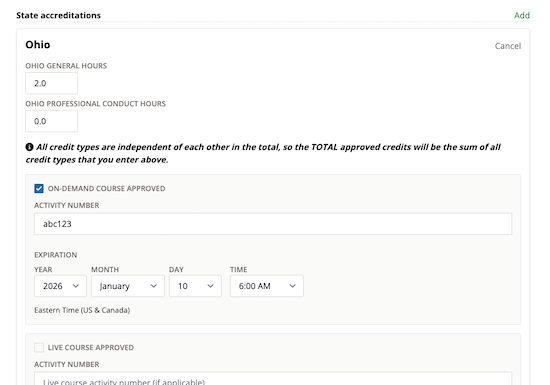
Track Credits by Jurisdiction
Every state has different CLE requirements — different hour types, ethics minimums, and reporting periods. CLE Hero tracks them all automatically based on your course accreditations.
When you accredit a course in multiple states, CLE Hero applies the correct credit types and hour counts for each jurisdiction. No manual mapping required.
- State-specific hour types (ethics, diversity, substance abuse, etc.)
- Multi-state accreditation per course
- Automatic credit calculation
Monitor Completions in Real Time
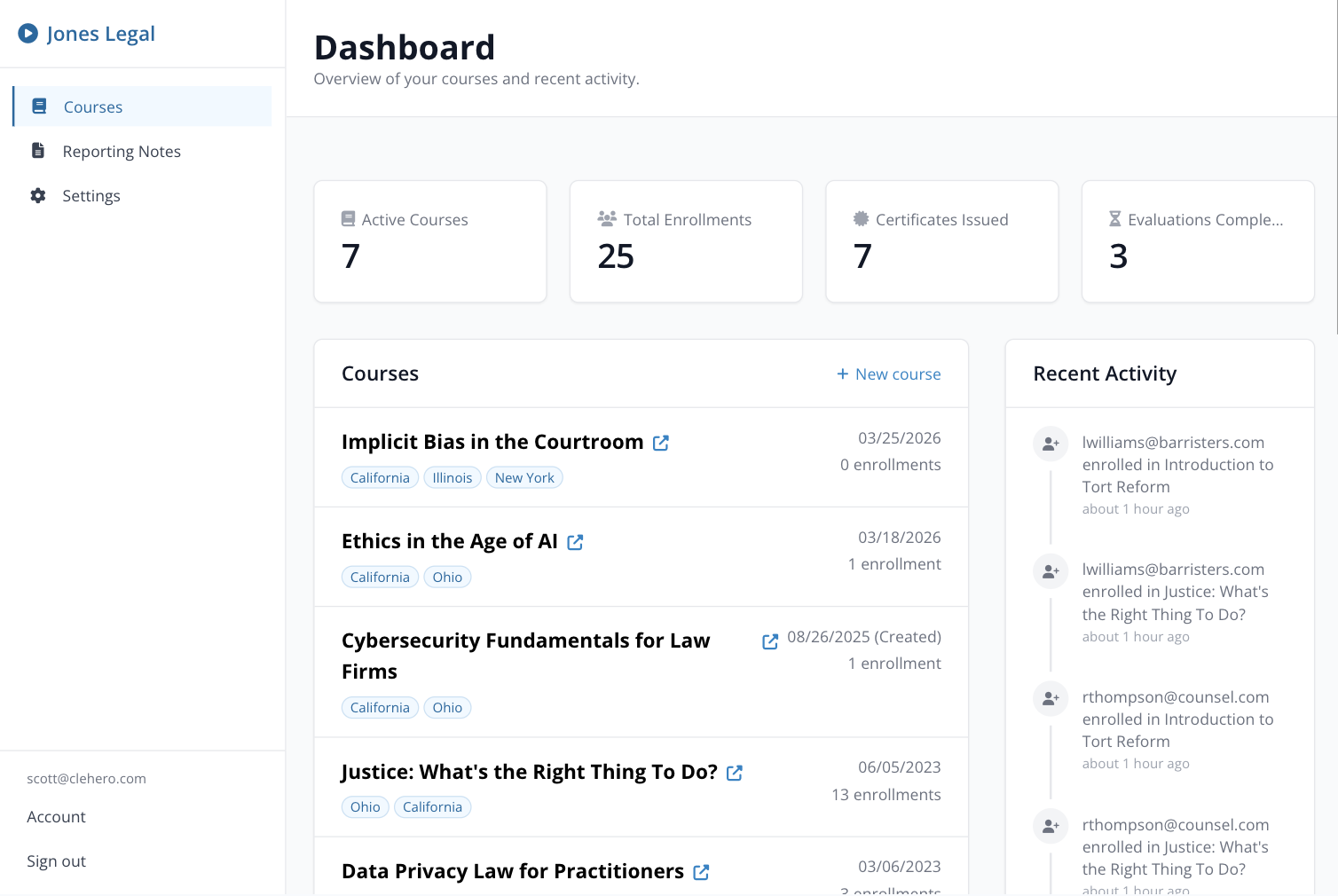
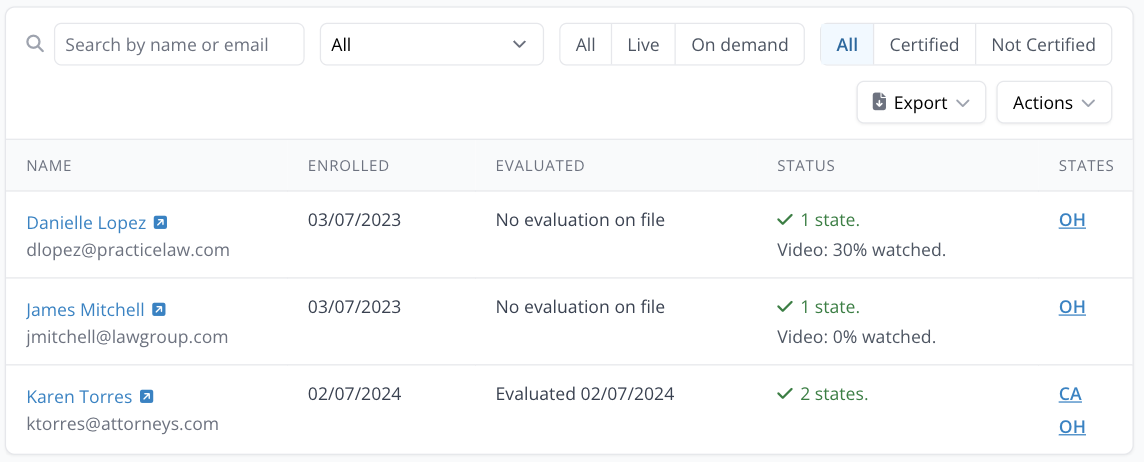
See exactly where every attorney is in your CLE program. Who has enrolled, who has completed, who still needs to finish — all visible at a glance.
For on-demand courses, CLE Hero tracks video watch progress with inactivity detection. For live courses, it verifies attendance through attendance codes. Every completion is recorded automatically.
- Real-time enrollment and completion status
- Video watch progress tracking
- Live attendance verification
Automated Certificates on Completion
When an attorney completes your course, CLE Hero generates and delivers their certificate automatically. State-specific formatting, correct credit amounts, and instant email delivery.
No manual certificate creation. No batch processing delays. Attorneys get their proof of completion the moment they finish.
- Instant certificate generation
- State-specific formatting
- Automatic email delivery
How CLE Tracking Works
From enrollment to certificate — every step tracked automatically.
Set Up Your Course
Create your course and add state accreditations. CLE Hero maps the credit types and requirements for each jurisdiction.
Attorneys Complete CLE
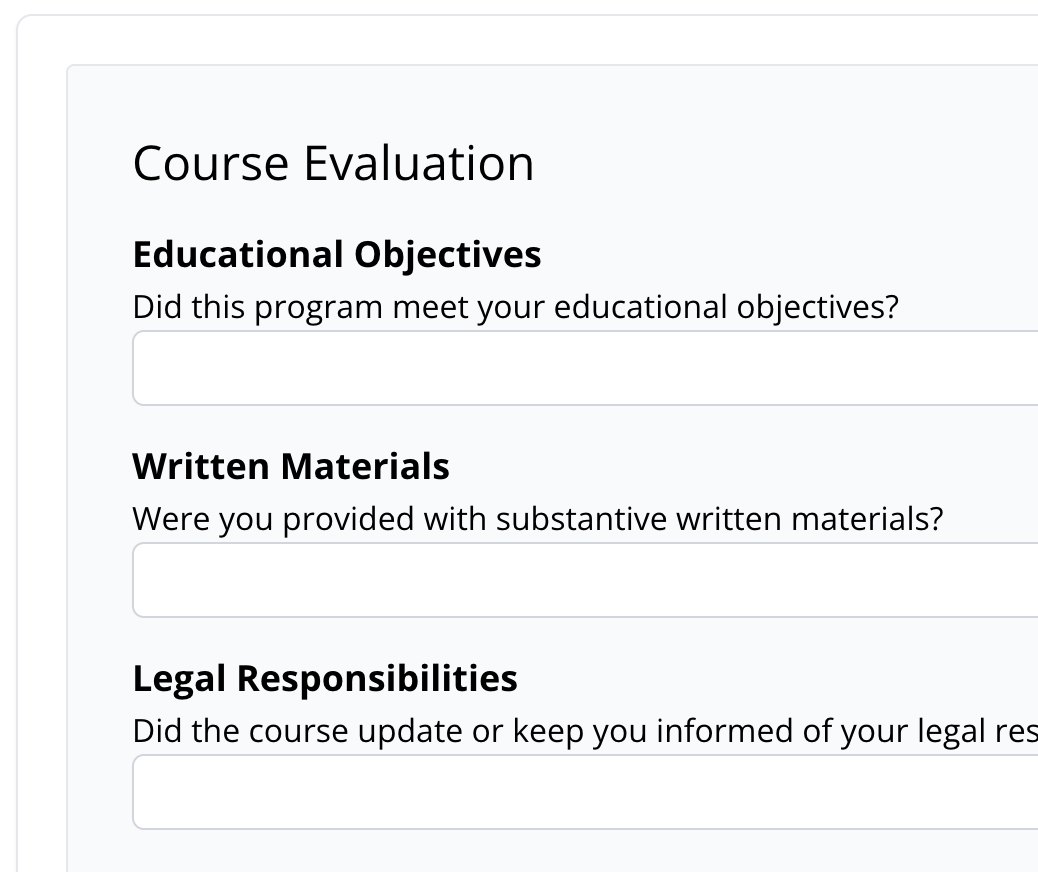
Attendance, video progress, and evaluations are tracked automatically. You see real-time status for every enrollment.
Certificates & Reports
Certificates are generated and delivered automatically. Export compliance reports for any state bar at any time.
Frequently Asked Questions
Common questions about CLE tracking software.
- What does CLE tracking software do?
- CLE tracking software monitors attorney progress through continuing legal education courses. It records enrollment, tracks attendance or video completion, verifies evaluation submissions, and generates certificates — giving providers a complete compliance record for every participant.
- How does CLE Hero track on-demand course completions?
- CLE Hero monitors video watch progress with inactivity detection to verify that attorneys are actively watching. Once they reach the required watch threshold and complete their evaluation, the course is marked complete and a certificate is generated automatically.
- How does CLE Hero track live course attendance?
- For live CLE programs, CLE Hero uses attendance codes displayed during the presentation. Attorneys submit these codes to verify their presence. Providers can also import attendance records from sign-in sheets.
- Can CLE Hero track credits across multiple states?
- Yes. Each course can be accredited in multiple jurisdictions. CLE Hero applies the correct credit types and hour amounts for each state, so a single course completion generates the right certificates for each jurisdiction.
- Does CLE Hero replace spreadsheet-based CLE tracking?
- Yes. Instead of manually tracking completions, certificates, and state requirements in spreadsheets, CLE Hero automates the entire workflow — from enrollment through certificate delivery and compliance reporting.
- What reports can I export?
- You can export enrollment data, attendance records, completion status, evaluation results, and certificate delivery records. All exports are formatted for state bar reporting requirements.
Stop Tracking CLE in Spreadsheets
Automated credit tracking, certificates, and compliance reports for every CLE program you run — no credit card required.
Or schedule a demo to see it in action →